Kingsley Tech LLC
We build thoughtful software that solves everyday problems. Simple tools, crafted with care.
About Us
Kingsley Tech LLC is an Indiana limited liability company based in Indianapolis, Indiana. We design and publish software for iPhone and Mac under the Kingsley Tech name, including Screenshot Reader and CalNav.
Our Apps

Ever tried reading a desktop screenshot on your iPhone? The text is tiny, pinch-zooming is awkward, and you lose your place constantly. Screenshot Reader fixes this.
Share any screenshot to Screenshot Reader and it instantly extracts all the text using on-device OCR, then re-renders it in a clean, scrollable "Reader Mode" layout — just like Safari's Reader Mode, but for images. No accounts, no internet connection required, completely private.
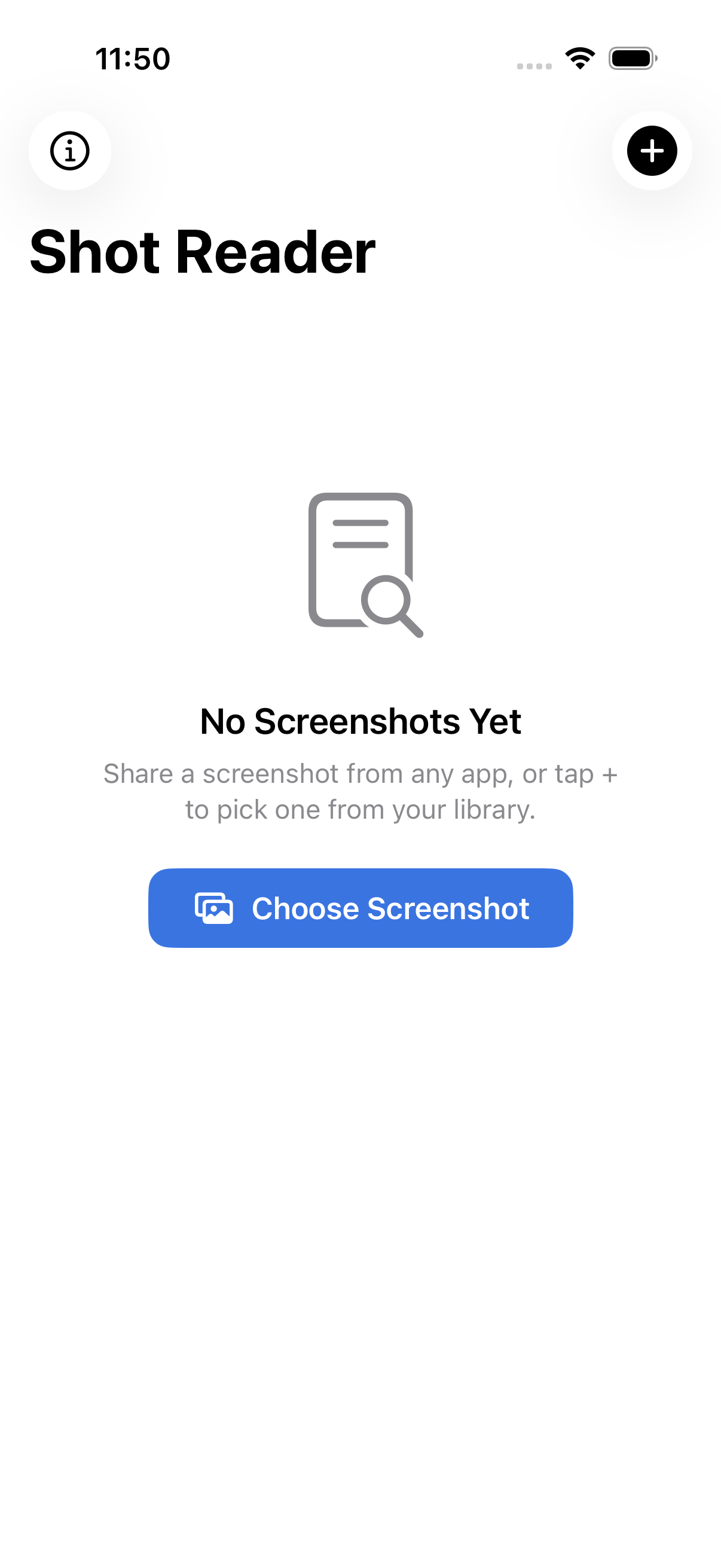


- 100% Private All text extraction happens on-device using Apple Vision. Nothing leaves your phone.
- Instant Processing Share a screenshot from any app and get readable text in under a second.
- Reader Themes System, Light, Sepia, and Dark modes with adjustable text sizing.
- Built-in Archive Save processed screenshots with thumbnails for easy browsing later.
- 24 Languages Supports all languages available through Apple's Vision OCR framework.
- Original + Reader Toggle between the clean reader view and the original screenshot anytime.

What day of the week is the 16th? How many working days until the end of the month? You should not have to open Calendar to find out. CalNav puts a month grid in your Mac's menu bar: click the icon and four months are on screen at once, with today marked and the next 30 days shaded so the near horizon stands out.
Point at any date and CalNav reads it back in full, with the weekday and how far away it is in calendar days, working days, or both. Click to pin it, then copy the date straight into a message or note. It shows dates only. It never reads your calendar, so it asks for no permissions and opens with no delay. CalNav is free on the Mac App Store.
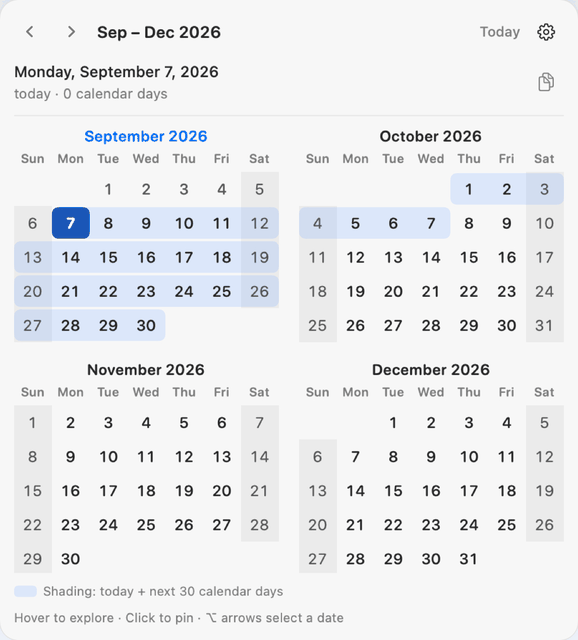
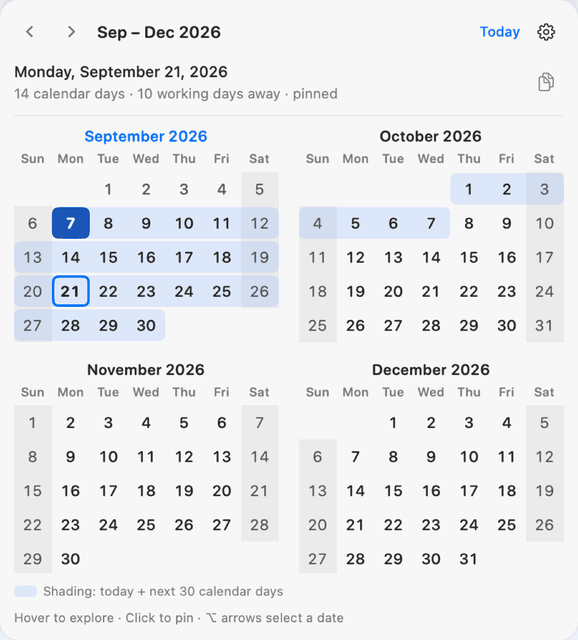
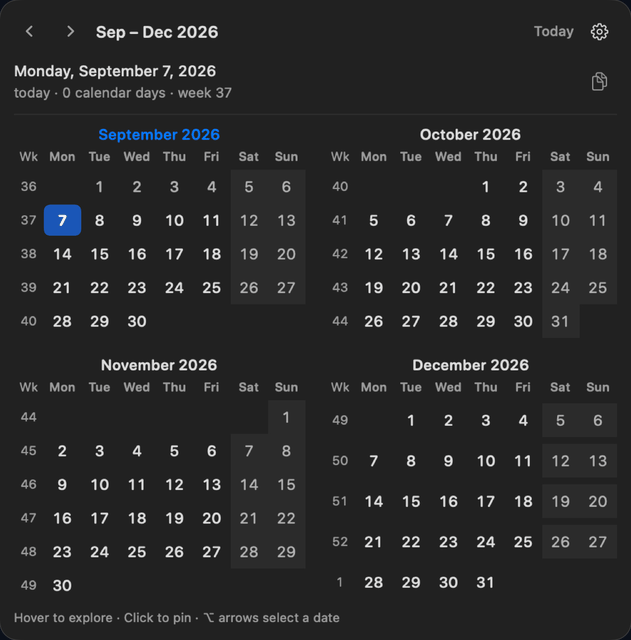
- No Permissions CalNav shows dates, not events. It never reads your calendar, contacts or files, so macOS has nothing to ask you for.
- Opens Instantly Click the menu bar icon and the grid is there. Works offline, with no account, no ads and no analytics.
- Count the Days Calendar days, working days, or both. Offline holiday calendars for 18 countries keep working-day counts honest.
- Make It Yours Two, three, four or six months on screen. Sunday or Monday first. Optional week numbers, including ISO 8601.
- Keyboard Friendly Arrow keys page by month, Shift-arrows by year, T jumps to today and Command-C copies the pinned date.
- Seven Languages English, French, German, Spanish, Dutch, Italian and Portuguese. Language and holiday region are chosen separately.
Get in Touch
Have a question, feedback, or need support? We'd love to hear from you.
General Support
support@kingsleytechllc.comApp Support
support@kingsleyapps.comLocation
Indianapolis, Indiana